跳转至内容
  • 版块
  • 标签
  • 热门
  • 用户
  • 群组
皮肤
  • 浅色
  • Brite
  • Cerulean
  • Cosmo
  • Flatly
  • Journal
  • Litera
  • Lumen
  • Lux
  • Materia
  • Minty
  • Morph
  • Pulse
  • Sandstone
  • Simplex
  • Sketchy
  • Spacelab
  • United
  • Yeti
  • Zephyr
  • 深色
  • Cyborg
  • Darkly
  • Quartz
  • Slate
  • Solar
  • Superhero
  • Vapor

  • 默认(Flatly)
  • 不使用皮肤
折叠

Odoo 中文社区

  1. 主页
  2. 版块
  3. Odoo 开发与实施交流
  4. [已解决]odoo10 report

[已解决]odoo10 report

已定时 已固定 已锁定 已移动 Odoo 开发与实施交流
4 帖子 2 发布者 2.2k 浏览 2 关注中
  • 从旧到新
  • 从新到旧
  • 最多赞同
回复
  • 在新帖中回复
登录后回复
此主题已被删除。只有拥有主题管理权限的用户可以查看。
  • H 离线
    H 离线
    hui
    发表于 最后由 hui 编辑
    #1

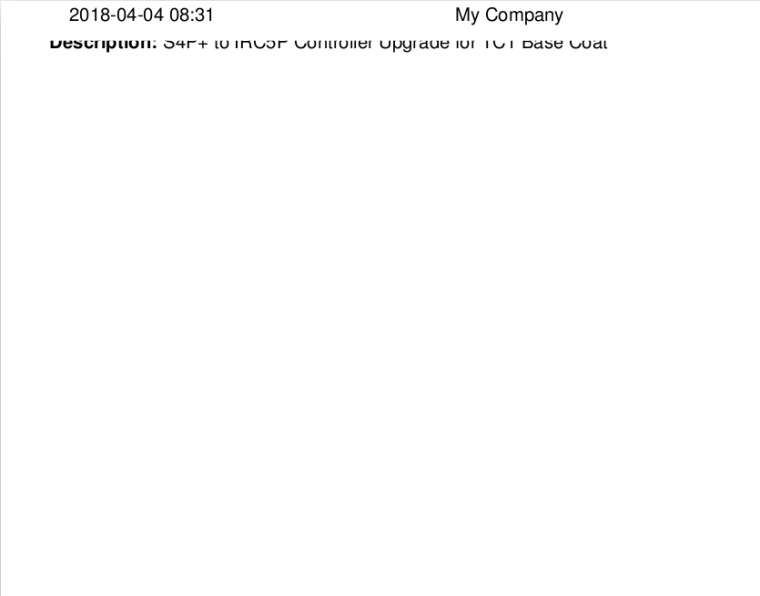
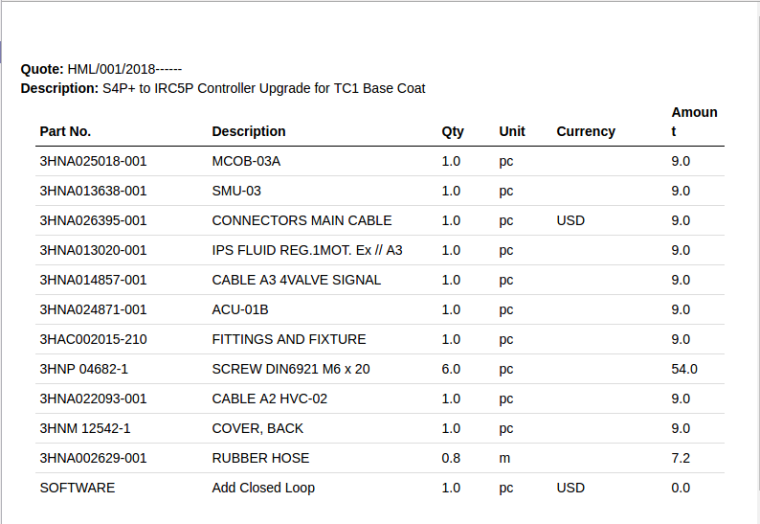
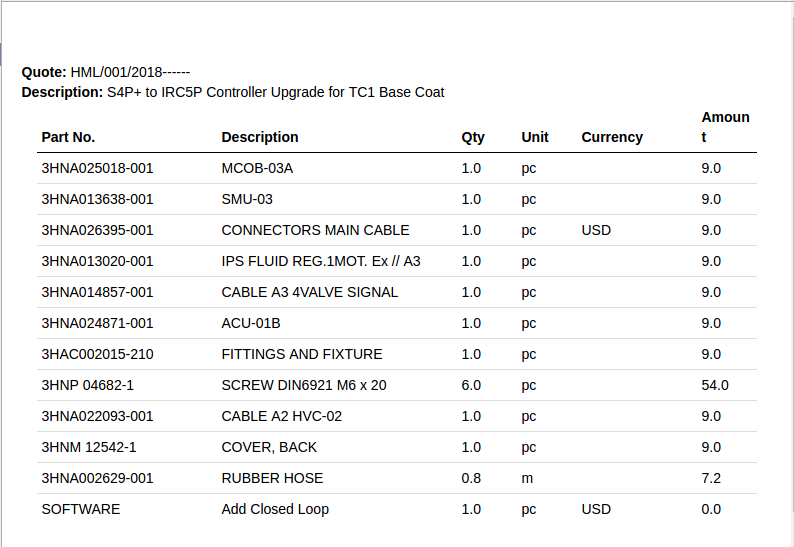
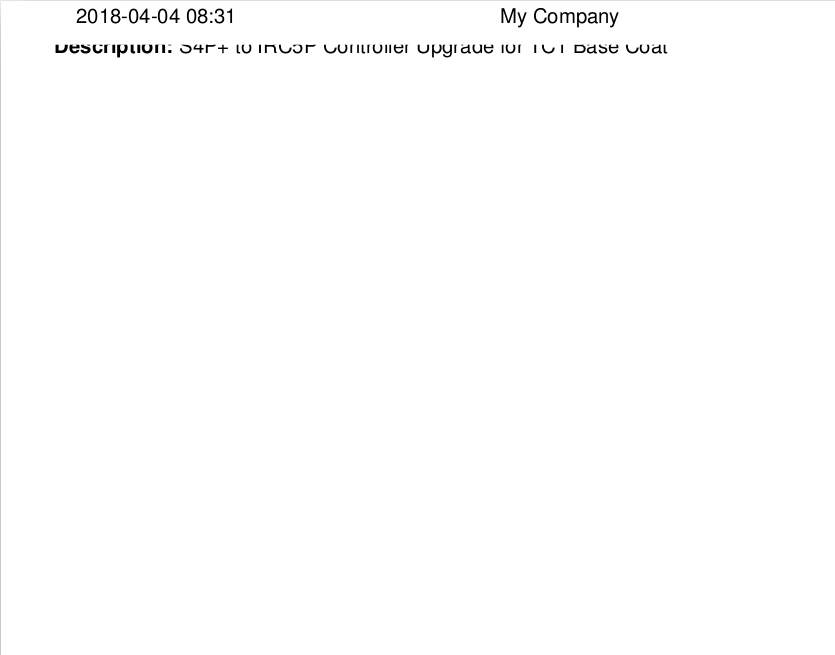
    我用odoo10的报表,html格式输出的正常,pdf的输出就不正常,截图如下,
    代码是如下。什么问题大概?还有就是能不能设置行距啊?

    <template id="upi.report_upi_template_quote">
                <t t-call="report.html_container">
                    <t t-foreach="docs" t-as="o">
                        <t t-call="report.internal_layout">
                           <div class="page" style="margin-top:20px;">
                                <div class="row">
                                    <strong>Quote:</strong>
                                    <span t-field="o.quote_number"/>
                                </div>
                                <div class="row">
                                    <strong>Description:</strong>
                                    <span t-field="o.description"/>
                                </div>
                            </div>
                        </t>
                    </t>
                   <table class="table table-condensed">
                        <thead>
                            <tr>
                                <th colspan="3">Part No.</th>
                                <th colspan="4">Description</th>
                                <th>Qty</th>
                                <th>Unit</th>
                                <th colspan="2">Currency</th>
                                <th>Amount</th>
                            </tr>
                        </thead>
                        <tbody>
                        <t t-foreach="docs.template_line" t-as="l">
                            <tr>
                                <td colspan="3"><span t-field="l.part_number.display_name"/></td>
                                <td colspan="4"><span t-field="l.description"/></td>
                                <td><span t-field="l.qty"/></td>
                                <td><span t-field="l.unit.name"/></td>
                                <td colspan="2"><span t-field="l.supplier_currency.name"/></td>
                                <td><span t-field="l.demand"/></td>
                            </tr>
                        </t>
                        </tbody>
                    </table>
                </t>
            </template>


    pdf打印的内容:
    0_1522830906514_pdf.png

    hmtl打印的内容正常:
    0_1522830870286_html.png

    水 1 条回复 最后回复
    0
    • H hui

      我用odoo10的报表,html格式输出的正常,pdf的输出就不正常,截图如下,
      代码是如下。什么问题大概?还有就是能不能设置行距啊?

      <template id="upi.report_upi_template_quote">
                  <t t-call="report.html_container">
                      <t t-foreach="docs" t-as="o">
                          <t t-call="report.internal_layout">
                             <div class="page" style="margin-top:20px;">
                                  <div class="row">
                                      <strong>Quote:</strong>
                                      <span t-field="o.quote_number"/>
                                  </div>
                                  <div class="row">
                                      <strong>Description:</strong>
                                      <span t-field="o.description"/>
                                  </div>
                              </div>
                          </t>
                      </t>
                     <table class="table table-condensed">
                          <thead>
                              <tr>
                                  <th colspan="3">Part No.</th>
                                  <th colspan="4">Description</th>
                                  <th>Qty</th>
                                  <th>Unit</th>
                                  <th colspan="2">Currency</th>
                                  <th>Amount</th>
                              </tr>
                          </thead>
                          <tbody>
                          <t t-foreach="docs.template_line" t-as="l">
                              <tr>
                                  <td colspan="3"><span t-field="l.part_number.display_name"/></td>
                                  <td colspan="4"><span t-field="l.description"/></td>
                                  <td><span t-field="l.qty"/></td>
                                  <td><span t-field="l.unit.name"/></td>
                                  <td colspan="2"><span t-field="l.supplier_currency.name"/></td>
                                  <td><span t-field="l.demand"/></td>
                              </tr>
                          </t>
                          </tbody>
                      </table>
                  </t>
              </template>


      pdf打印的内容:
      0_1522830906514_pdf.png

      hmtl打印的内容正常:
      0_1522830870286_html.png

      水 离线
      水 离线
      水在时间之下
      发表于 最后由 编辑
      #2

      @hui 我刚做一个报表,然后打印直接下载,过来学习学习

      H 1 条回复 最后回复
      0
      • 水 水在时间之下

        @hui 我刚做一个报表,然后打印直接下载,过来学习学习

        H 离线
        H 离线
        hui
        发表于 最后由 编辑
        #3

        @水在时间之下
        这个只是一部分,而且还有问题。

        1 条回复 最后回复
        0
        • H 离线
          H 离线
          hui
          发表于 最后由 编辑
          #4

          如果是打印报表格式为PDF的, PDF 的内容必须包含在 <div class="page">。
          上面的错误是 <div class="page">写错位置了。

          1 条回复 最后回复
          0

          你好!看起来您对这段对话很感兴趣,但您还没有一个账号。

          厌倦了每次访问都刷到同样的帖子?您注册账号后,您每次返回时都能精准定位到您上次浏览的位置,并可选择接收新回复通知(通过邮件或推送通知)。您还能收藏书签、为帖子顶,向社区成员表达您的欣赏。

          有了你的建议,这篇帖子会更精彩哦 💗

          注册 登录
          回复
          • 在新帖中回复
          登录后回复
          • 从旧到新
          • 从新到旧
          • 最多赞同


          • 登录

          • 没有帐号? 注册

          • 登录或注册以进行搜索。
          • 第一个帖子
            最后一个帖子
          0
          • 版块
          • 标签
          • 热门
          • 用户
          • 群组